Issue Certificates Easily in MTG CLM
Creating a new certificate in MTG CLM is quick and straightforward. In this video, we show you how to create a certificate in just a few steps and prepare it directly for use.
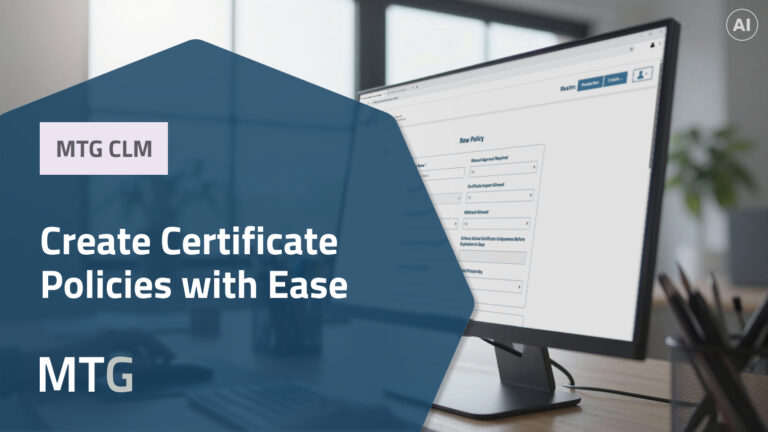
The process is based on a suitable policy that defines important requirements for certificate creation. Next, the end entity is defined — the actual certificate holder, such as a server, service, user, or device. This keeps certificate assignment transparent and certificate management clearly organized.
Different options are available for providing the key material. Depending on the use case, you can either use an existing PKCS#10 request or generate the key pair directly in the system. The specific parameters, such as key type and validity period, are supported by the selected policy.
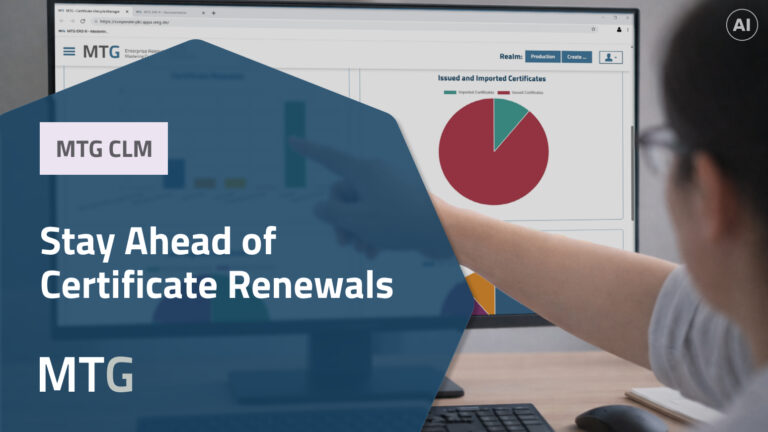
After submission, the certificate is created and immediately available. In the certificate overview in MTG CLM, new and existing certificates can be centrally managed, filtered, imported, renewed, or revoked. Reports can also be downloaded to better evaluate the certificate inventory.
Key Takeaways from the Video
- Fast and easy certificate creation in MTG CLM
- Clear requirements defined by policies
- Unambiguous assignment through end entities
- Immediately ready-to-use certificates
- Central management of all certificates
- Import of existing certificates
- Filtering and reporting functions